
Home Wi-Fi is crucial for connecting devices like laptops, phones, tablets, smart speakers, televisions, cameras, printers, and connected appliances. These devices frequently exchange data. While some of this data exchange is expected, such as accessing a bank website or downloading updates, other exchanges may be unwanted or suspicious.
Firewalls as a Security Measure
A firewall acts as a security system, inspecting network connections and enforcing rules about permissible traffic. Think of it as a digital doorman managing data traffic. Although a firewall doesn’t know every potential threat, it helps block unexpected connections, aiding in Wi-Fi security.
Router Firewalls vs. Software Firewalls
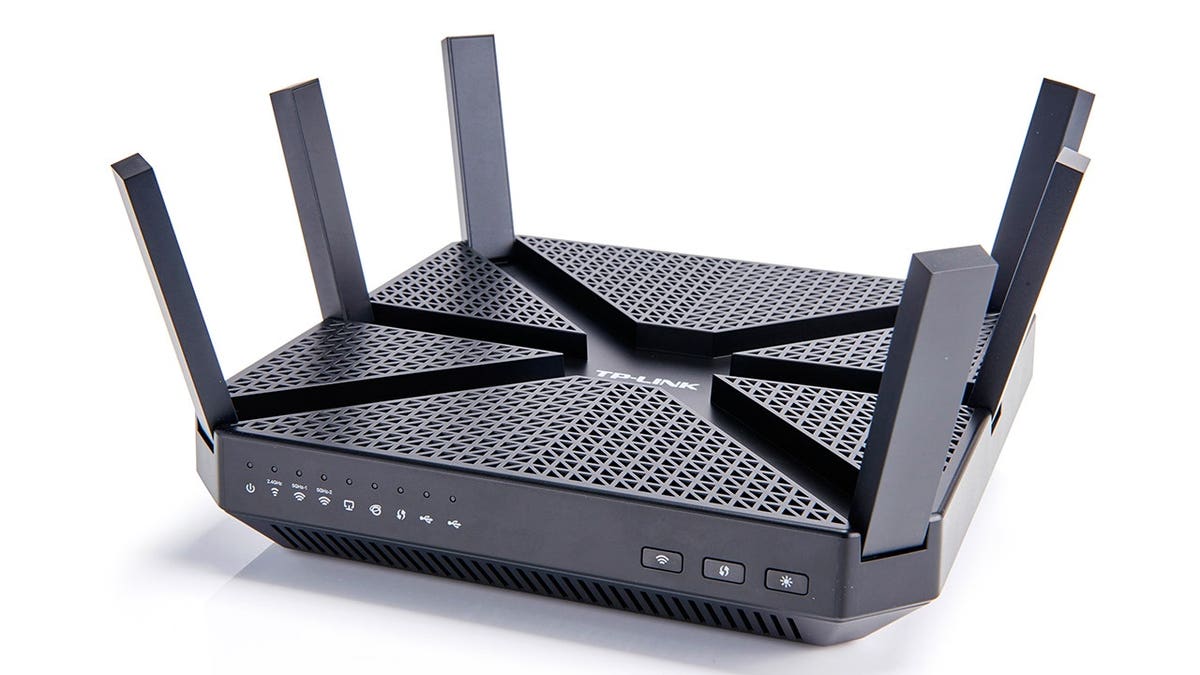
Home routers often include a built-in firewall. These router firewalls provide a basic protective layer for the entire network. While they reduce direct exposure for connected devices, their effectiveness depends on the router model, software, and configuration.
Software firewalls operate at the device level, adding another security layer, especially when a device connects to different networks. Together, router and software firewalls offer broader protection.
Inbound and Outbound Traffic
Inbound traffic involves data directed at your device, such as receiving webpage information or remote service connections. Outbound traffic is data leaving your device, like webpages, emails, or files. A firewall monitors these activities, either allowing, alerting, or blocking suspicious behavior.
Network Awareness Importance
With online banking, work from home, and shopping activities, sensitive information frequently moves across networks. Enhanced security awareness helps protect these activities from potential threats.
Firewall Limitations
While firewalls help control network connections, they can’t strengthen weak passwords or distinguish between genuine and scam messages. They don’t replace antivirus protection, software updates, multifactor authentication, secure configurations, or reliable backups.
Additional methods like secure router settings, device updates, and multifactor authentication provide comprehensive protection. Firewalls offer a protective layer, but overall security requires multiple defenses.
Strengthening Home Wi-Fi Security
- Secure Router Settings: Change default administrator passwords.
- Update Router Firmware: Install updates for performance and security improvements.
- Use Strong Wi-Fi Passwords: Offer guest networks for visitors as needed.
- Review Connected Devices: Investigate unfamiliar devices.
- Replace Outdated Routers: Regular updates and security standards are essential.
Data Protection Strategies
- Ransomware Understanding: Recognize ransomware risks, utilize strong security habits.
- 3-2-1 Backup Strategy: Keep multiple data copies in separate storage types.
Regularly test backup files for recovery assurance. Implement strong cloud backup security measures.
Conclusion
Firewalls play a critical role in monitoring network connections. By combining firewalls with robust security practices, including strong passwords and multifactor authentication, users can enhance their safety against cyber threats.
For further insights, visit CyberGuy.com.