
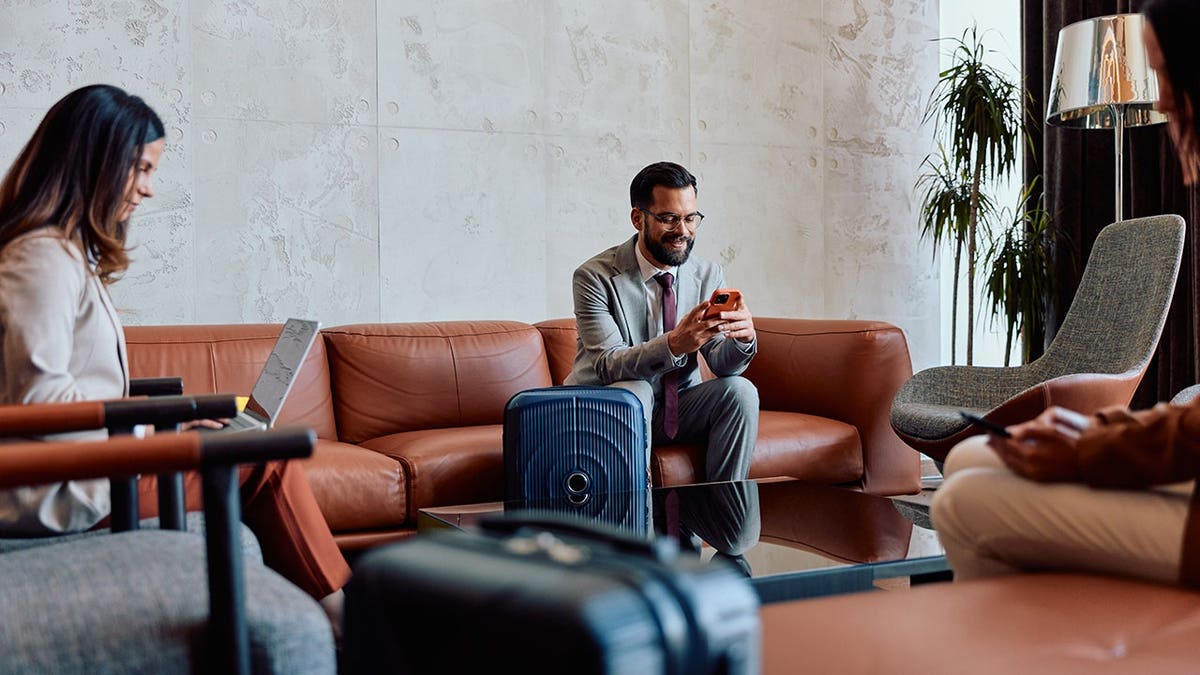
Upon arriving at your destination after a long flight, connecting to the internet becomes a priority. You may log into the hotel Wi-Fi to check emails, stream content, or review your bank balance. This routine action can put your personal data at risk.
Public Wi-Fi, though convenient, can be a threat. It exposes you to risks from malicious individuals who may exploit weak network security, often from a nearby table with a laptop.
The Dangers of Free Wi-Fi
Many travelers connect to open hotel Wi-Fi, unaware of the potential risks to their personal accounts. Public networks often transmit data over an unsecured connection, which can be easily intercepted.
Data sent over open networks can be monitored using simple tools.
Packet sniffing is a common technique where hackers watch traffic patterns and catch unencrypted activity. Despite HTTPS offering some protection, not all apps and websites handle security well, making public Wi-Fi risky.
Additionally, hackers may set up fake networks with names like “Airport_Free_Wi-Fi” or “Hotel Guest.” Once you connect, they can intercept your data, a method known as the evil twin attack.
Beyond Password Theft
Stealing passwords is not the only concern. When you log into a service, your device receives a session token that keeps your session active. An attacker gaining access to this can hijack your session and misuse it, leading to unauthorized access to your accounts.
How to Protect Yourself
Encrypting your data is crucial. A Virtual Private Network (VPN) offers a solution by creating an encrypted tunnel between your device and the internet. This means anyone observing the network only sees meaningless data.
A VPN keeps your information secure. Look for a VPN that is easy to use, fast, strong on privacy, and compatible with multiple devices including smartphones and routers.
Additional Precautions
- Turn off auto-connect: Prevent automatic connections to untrusted networks. Check your device settings to disable this feature.
- Verify network names: Before connecting, confirm the network name with staff at hotels, airports, or cafes.
- Use two-factor authentication: This adds an extra layer of protection even if your password is compromised.
- Utilize a password manager: These tools generate and store strong, unique passwords for each site.
- Limit sensitive transactions: Conduct banking and shopping on your cellular connection, or a trusted network.
Conclusion
Traveling should be about creating memories, not dealing with headaches caused by security issues. Don’t treat free Wi-Fi as secure Wi-Fi. Using a trusted VPN closes one of the easiest access points hackers use against travelers.
Your journey can remain pleasant when you build the habit of protecting your connections with a reliable VPN. Share your experience and thoughts with us at CyberGuy.com.
For tech tips and advice, visit CyberGuy.com. Protect yourself with real-world solutions to prevent falling prey to scams.
Copyright 2026 CyberGuy.com. All rights reserved. Kurt “CyberGuy” Knutsson is a respected tech journalist focused on technology and gadgets. Find more of his advice on “FOX & Friends.” Contact Kurt via the CyberGuy Newsletter at CyberGuy.com.